Works instantly after install

Upload, Download & Edit Snaps Without Limits.

Route any photo or video into Snapchat Web's camera input. Low-latency virtual feed with built-in image editing — runs entirely in the browser.

100% Private & Local Watermark Always Removed Built-in Image Editor
web.snapchat.com
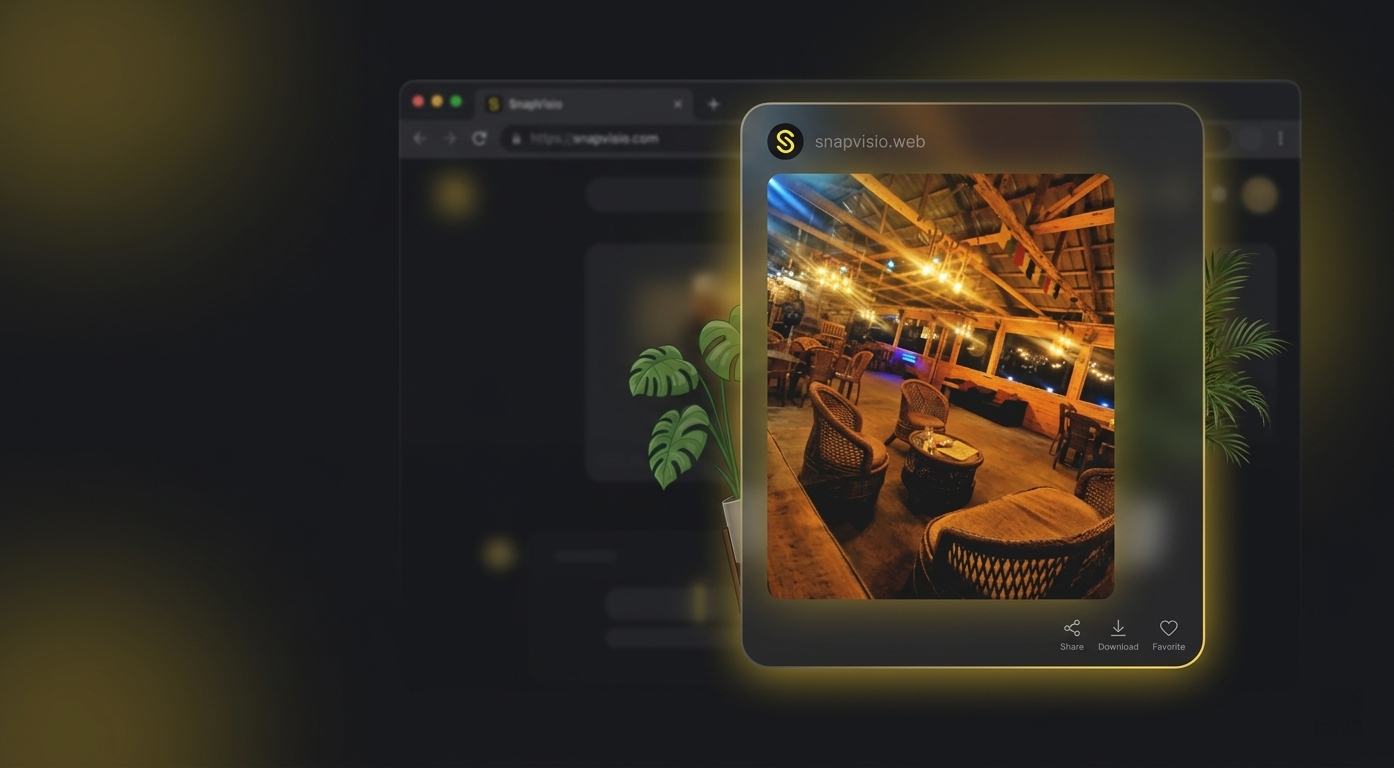
SnapVisio in action on Snapchat Web
Camera Replaced
Watermark Removed

Everything you need. Nothing you don't.

Powerful tools built for Snapchat Web — simple enough to use in seconds.

Watermark Removed — Always

SnapVisio removes the "web.snapchat.com" badge from every snap, whether camera spoofing is on or off. It works independently so you never have to think about it.

Always Active

Canva-Level Image Editor

Drag-to-place text with full font styling, 800+ emojis with search, sticker packs, freehand draw, crop, rotate — all inside the extension. Like a mini Canva for your snaps.

Upgraded

20 Pro Filters + Live Camera

20 cinematic presets — Warm, Cool, Cinematic, HDR, Noir, Lomo, Sunset and more. Adjustable intensity slider. Apply filters live to your camera feed in real-time.

Updated

Multi-Photo Library

Upload multiple photos and keep them all ready. One-click to switch between shots — no re-uploading each time.

Video Looping

Upload any video (MP4, WebM, MOV) and it plays on loop as your camera. Silky smooth, no freezes.

Smart Snap Download

Hover over any real snap to reveal a discreet download button. Saves instantly at full quality, named by date & time. Never shows on small UI images.

Auto Mirror Correction

Snapchat flips the camera like a mirror. SnapVisio pre-flips your photo so it always appears correctly oriented.

Completely Private

Nothing leaves your computer. No servers, no cloud uploads, no analytics. Zero data collected. Uninstall and everything is gone.

Lightweight & Fast

Runs smoothly without slowing your browser. Only activates on Snapchat Web. Stream health monitor shows live FPS and uptime.

Powerful Custom Filters

Transform your photos and live camera feed with 20 professional-grade filters and full intensity control.

20 Pro Presets

Choose from Warm, Cool, Cinematic, HDR, Noir, Lomo, Vintage, Sunset, Blueprint and more — all engineered to make your snaps look professionally shot.

Cinematic Warm Noir +17 more

Live Camera Filters

Apply any filter directly to your live camera feed — not just uploaded photos. Your Snapchat friends see the filtered version in real time, with zero lag.

Real-time Zero Lag

Intensity Slider

Every filter comes with a smooth intensity slider (0–100%). Dial in a subtle hint of color grading or go full cinematic — the choice is yours.

72% intensity

Enhance Your Content

Whether you're a content creator, influencer, or just want your snaps to look their best — SnapVisio's filters elevate every photo and video you share.

Content Creation Color Grading

A mini Canva inside your Snapchat.

Click to place text anywhere, drag to position, resize with handles — just like Canva. Browse 800+ emojis with search, add stickers from curated packs, draw freehand, then dial in the perfect look from 20 professional filters with an intensity slider.

  • Drag-to-place text with 10 fonts, bold, italic, stroke & shadow
  • 800+ emojis with category tabs & instant search
  • 6 sticker packs — Fun, Love, Cool, Nature, Shapes, UI
  • Crop, rotate, flip — free-draw, lines & eraser
  • Full multi-step undo & redo (up to 30 steps)
  • 20 pro filters with adjustable intensity slider
Install Extension — Start Editing
Draw
Text
Emoji
Crop
Filters
Original
Warm
HDR
Cinematic
Noir
Lomo
Edit & apply in-extension

The watermark is removed no matter what.

Previous versions only removed the watermark while camera spoofing was active. Now, watermark removal runs independently and permanently. Whether you're sending a spoofed photo or just using your real webcam, your snaps will never show "web.snapchat.com" to your friends.

  • Works even when camera spoofing is off
  • Four-layer canvas interception — nothing slips through
  • Your snaps look exactly like they came from the mobile app
  • Zero performance impact — all processing is synchronous canvas hooks
Without SnapVisio
web.snapchat.com
With SnapVisio
Clean

Download any snap in one click.

A discreet download icon appears directly on every real snap image. No menus, no extra clicks — just hover and tap. The file saves instantly to your Downloads folder, without notifying your friend that you have downloaded your snap. SnapVisio only shows the button on genuine snap media, never on tiny UI icons.

  • Hover to reveal — never gets in the way
  • Smart size filter — ignores icons & thumbnails
  • Files named automatically: snap_2026-04-01_14-22-05.png
  • Full original quality — no compression, no screenshots
  • Works with both images and videos
Snap image
Real snaps only — no false positives
Zero quality loss
snap_2026-04-01_14-22-05.png

Ready in 3 steps.

No accounts. No configuration. No technical skills needed.

1

Install the Extension

Click "Add to Chrome" — installs in seconds. No setup required.

2

Upload & Edit Your Photo

Drop in your photo, edit it with the built-in editor if you want, then hit Activate.

3

Open Snapchat & Done

Go to Snapchat Web and open the camera. Your edited photo is now your camera feed — watermark removed.

Install Extension Now

No sign-up required • Chrome, Brave & Edge

Got questions? We've got answers.

Yes. Watermark removal is now completely independent from camera spoofing. It runs on its own and is always on — even when you're using your real webcam. Your snaps will never show "web.snapchat.com" to your friends.

The editor lets you crop, rotate and flip your photo, draw on it with a brush (adjustable color, size, and opacity), add custom text, place emojis, choose from 10 professional filters, and undo/redo any step. Everything saves back to your image library instantly.

There are 10 filters: Original, Warm, Cool, Vintage, B&W, Cinematic, Vivid, Fade, Dramatic, and Golden. Each has a live preview thumbnail so you can see exactly what your photo will look like before you apply.

No. SnapVisio uses a smart size filter that only attaches the download button to real snap-sized media. Images smaller than 200×200 pixels or rendered at less than 100×100 pixels are automatically skipped, so you won't see the button on profile pictures, icons, or UI elements.

Yes — upload MP4, WebM, MOV, or AVI videos. The video loops seamlessly as your camera feed. You can also download received video snaps with the same one-click button.

Completely. SnapVisio stores everything locally on your computer using Chrome's built-in storage. We have no servers, no analytics, and no ability to see your photos, videos, or activity.

Google Chrome, Brave, Microsoft Edge, and any Chromium-based browser. Designed specifically for Snapchat Web (web.snapchat.com).

Need help? We're here.

Have a question, found a bug, or want to request a feature? Get in touch directly.

Email Support

Send us your question or bug report and we'll get back to you as soon as possible.

adeel.extension.projects@gmail.com

Bug Reports

Found something that isn't working right? Tell us exactly what happened and we'll fix it quickly.

Report a bug

Feature Requests

Have an idea for a new feature or improvement? We'd love to hear it — SnapVisio is shaped by user feedback.

Suggest a feature

Ready to upgrade your Snapchat experience?

Custom camera feed. Built-in image editor. Professional filters. Permanent watermark removal. Smart snap downloader. All in one extension.

Add to Chrome

Works on Chrome, Brave & Edge • No sign-up required • 100% private